Use AI to Relax: Simple Routines for Calm & Sleep
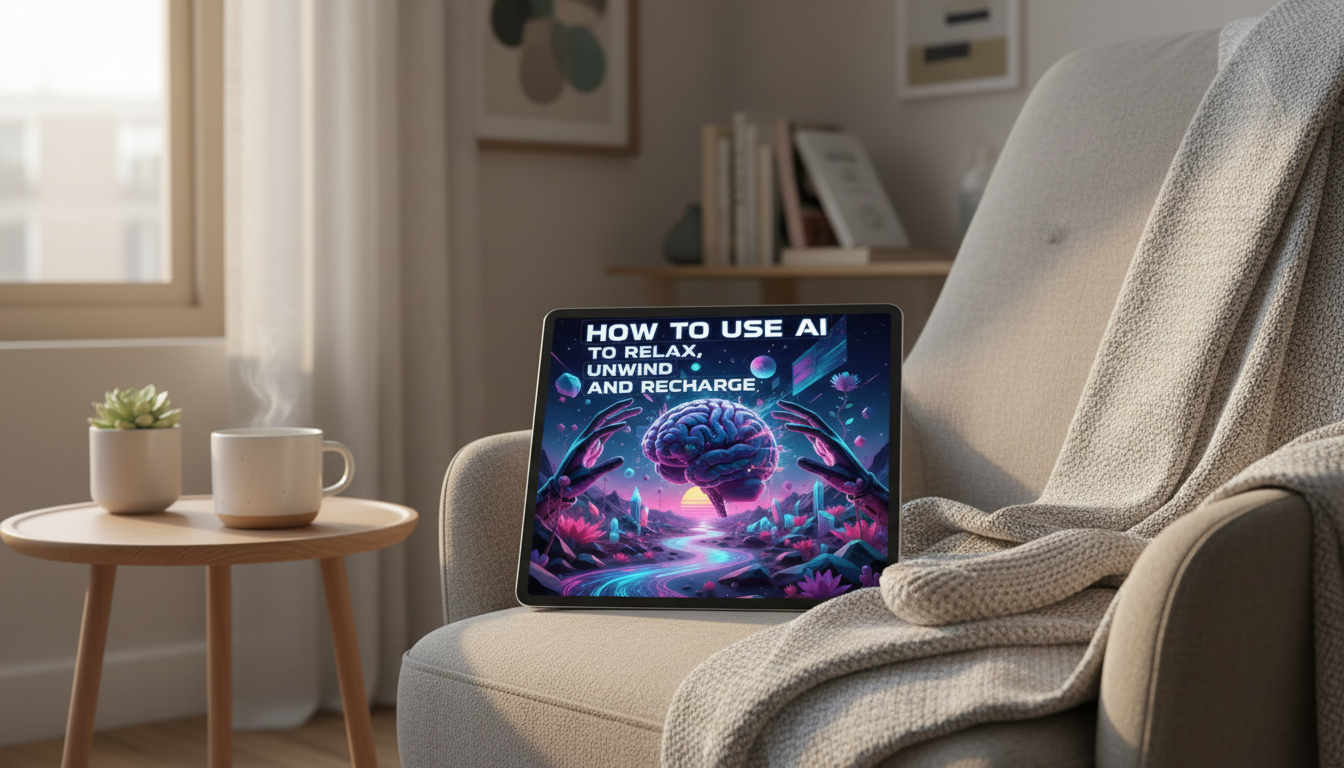
How to Use AI to Relax, Unwind, and Recharge: A Practical Guide to Calm, Balance, and Mindful Living
AI can support relaxation when it’s used as a gentle guide rather than another source of noise. With a few simple routines—breathing, mindfulness, journaling, sleep wind-down, and boundary-setting—AI tools can help reduce decision fatigue, create calming structure, and make it easier to return to the present moment. The goal isn’t to “optimize” rest; it’s to make calm more accessible and consistent.
What “AI for relaxation” looks like in real life
Relaxation support works best when AI handles small, low-stakes decisions so your mind can downshift. Think of it as setting up a soft landing—simple, repeatable, and comforting.
- Removing small frictions: choosing a short practice, drafting a soothing script, or planning a lighter evening routine.
- Coaching for pacing: short check-ins, gentle reminders to pause, and quick reflections that steer attention away from rumination.
- Keeping it low-stakes: 2–10 minute practices that are easy to repeat daily.
- Prioritizing safety and comfort: use AI for supportive habits—not diagnosis, crisis care, or medical claims.
Set up a calm-friendly AI environment (so it doesn’t become more screen time)
A calm routine can backfire if it turns into endless scrolling or constant “tweaking.” Build a simple container for your session, then stop.
- Create a “calm mode” rule: one app, one task, one timer; stop when the timer ends.
- Reduce stimulation: dim your screen, lower brightness, enable focus mode, and silence nonessential notifications.
- Use audio-first when possible: have AI generate a short script you can read aloud or record as a voice note for eyes-closed practice.
- Build a personal calm library: save 5–10 favorites (breathing scripts, body scans, reflection questions) so you reuse instead of re-invent.
A simple 10-minute unwind setup
| Minute | What to do | What AI can provide |
|---|---|---|
| 0–1 | Choose a single goal (calm, reset, sleep) | One-sentence intention and a gentle timer plan |
| 1–3 | Breathing or grounding | A paced breathing count or 5-4-3-2-1 grounding script |
| 3–7 | Body scan or progressive relaxation | A slow body-scan script with neutral language |
| 7–9 | Reflect and release | Two journaling questions; a short reframe if thoughts loop |
| 9–10 | Close the session | A closing line + next-step cue (water, stretch, lights down) |
Use AI to guide breathing and nervous-system downshifts
Breathing practices work because they’re concrete: you can do them even when your thoughts feel messy. Keep everything comfortable—never strain, and stop if you feel dizzy.
- Ask for a paced breathing guide: 4–6 breaths per minute is often experienced as calming; stay within what feels natural.
- Try box breathing or extended exhale: inhale 4, hold 4, exhale 6–8 (adjust to comfort).
- Use short, consistent scripts: repetition helps your brain link the routine with slowing down.
- Add sensory anchors: cues like “drop the shoulders,” “unclench the jaw,” or “feel your feet on the floor.”
If you want deeper background on mindfulness and safety considerations, the NIH’s meditation and mindfulness overview is a helpful reference.
Turn racing thoughts into a calmer storyline (without forcing positivity)
When your mind is spinning, the goal isn’t to erase worry—it’s to make it more understandable and less sticky. AI can help you name the pattern and choose one small, realistic next step.
- Use “name the worry”: ask for help labeling the theme (workload, conflict, uncertainty, fatigue) to reduce mental fog.
- Ask for a balanced reframe: acknowledge what’s hard and identify one controllable step (even if it’s tiny).
- Try a thought parking lot: list worries, choose one action for tomorrow, and one boundary for tonight.
- Use gentle language: shift from judgment to observation (“a stressful thought is here” vs. “I’m failing”).
For broader stress-coping ideas, the American Psychological Association’s stress resources and the CDC’s coping with stress guidance provide practical, evidence-informed starting points.
Create a personalized wind-down routine for evenings and sleep
Evening routines are most effective when they respect real life—kids, roommates, shift work, limited space, and unpredictable schedules. A “good enough” wind-down repeated consistently can beat a perfect routine you rarely do.
- Design a realistic 30–60 minute wind-down: specify constraints and ask for a flexible plan with 2–3 options.
- Include an off-ramp for screens: pick one last-check time, then transition to something quieter (shower, stretch, tea, book).
- Use pre-sleep journaling prompts: “What can wait until tomorrow?” and “What went okay today?”
- If sleep is difficult: aim for calmer wakefulness, not perfect sleep—less pressure often helps.
Recharge during the day: micro-breaks that actually feel restorative
Privacy, boundaries, and when AI is not the right tool
A structured approach: follow a step-by-step practice guide
- How to Use AI to Relax, Unwind, and Recharge — Digital Download eBook
- The AI Way to Personal Wellness – Digital eBook
- Think Smarter, Write Smarter with ChatGPT – Digital Download eBook
FAQ
What are simple ways to use AI for relaxation without spending more time on screens?
Use AI once to create a short routine, then save it as a reusable script or audio note. Set a timer for 2–10 minutes and stop when it ends, so the session doesn’t expand into extra screen time.
Can AI help with anxiety or sleep?
AI can support calming habits like paced breathing, wind-down planning, and gentle journaling prompts. If anxiety or sleep problems are persistent, severe, or worsening, professional support is the safest next step.
What should be avoided when using AI for mindful living?
Avoid oversharing sensitive personal data, using AI for diagnosis, chasing perfect “optimization,” or consuming stimulating content late at night. Keep routines simple, repeatable, and aligned with comfort.


Leave a comment